YouTube Pro
Enjoy a smoother YouTube experience with YouTube Pro.
Explore useful features, simple controls, and more ways to enjoy your favorite content.
YouTube Pro
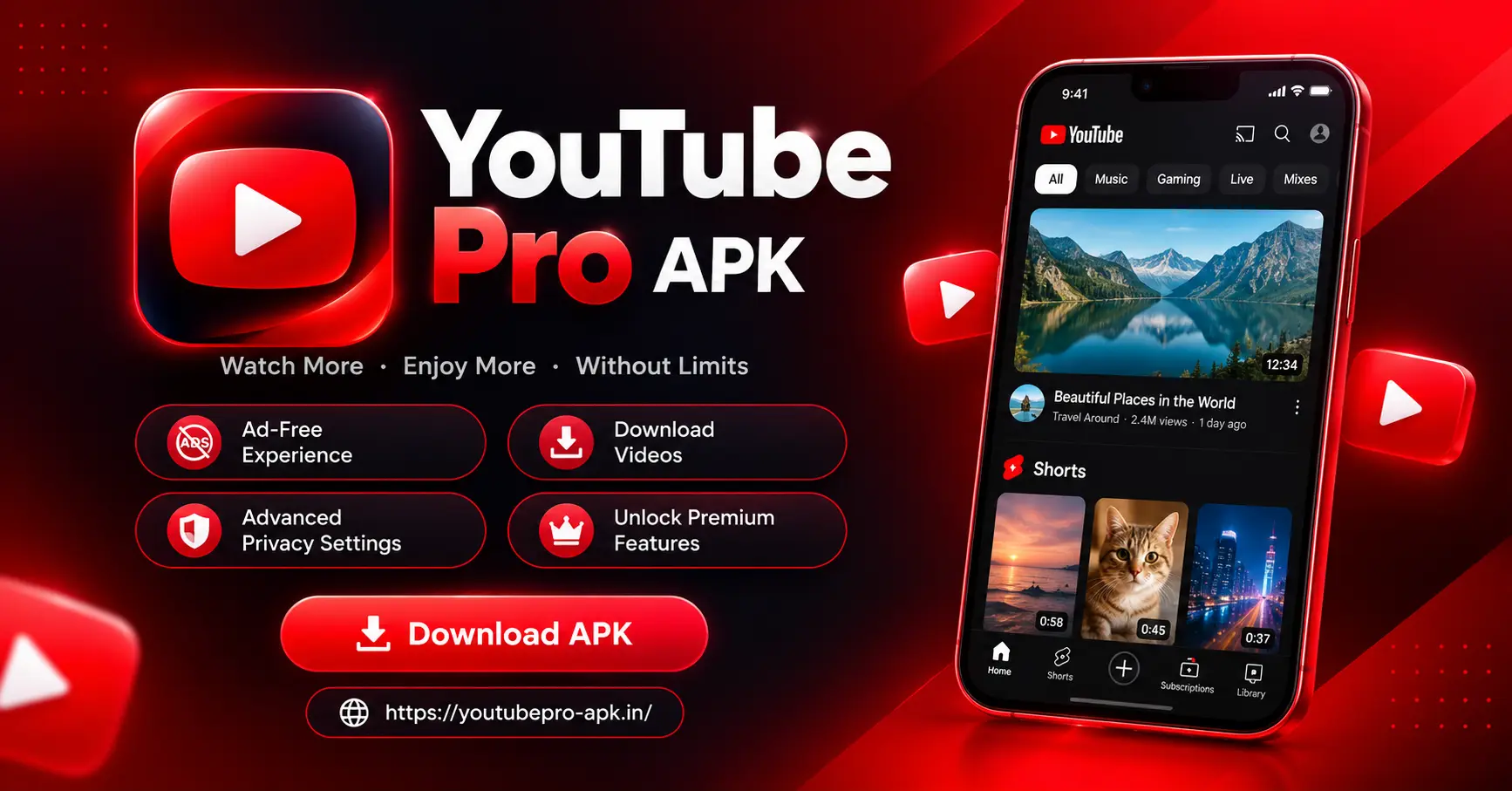
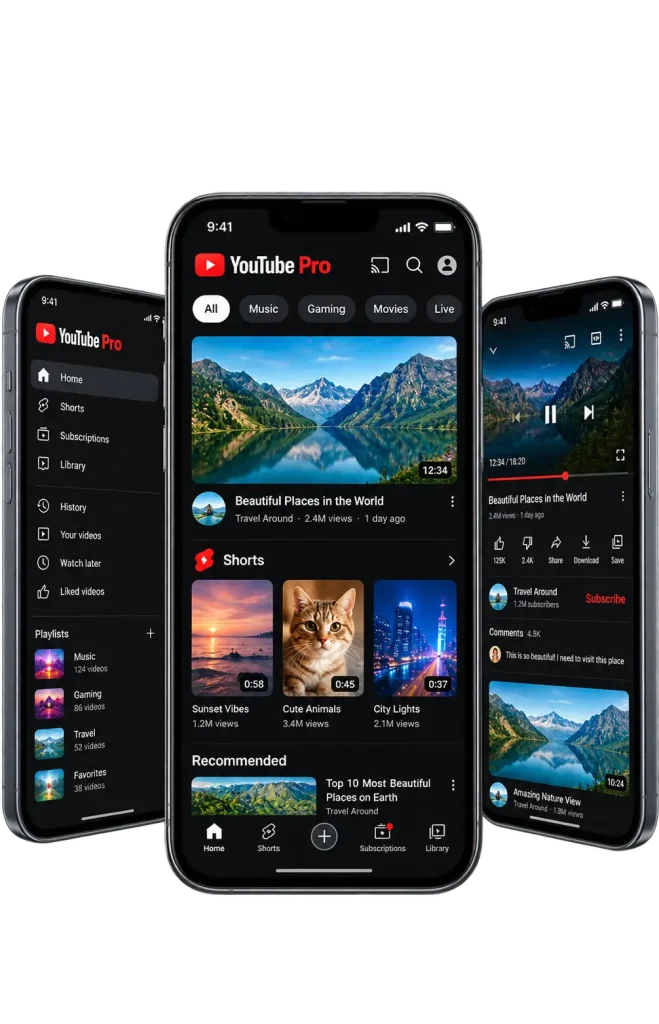
YouTube Pro is an app for watching online videos. It gives users a simple way to watch different content. Many users look for extra features while using video apps. As a result, many people also search for modified versions. For this reason, YouTube Pro is often searched by users who want additional features and controls. People often discuss YouTube Pro APK for features like fewer ads, background playback, and extra viewing controls.The main purpose stays simple, which is watching videos on a mobile device. Users can search for videos and open content through the app interface. The layout can also feel familiar for people who already use YouTube. Some versions may offer additional settings that the standard app does not have.. These settings can make daily video watching more convenient for some users.
Users usually search for YouTube Pro v62 APK when they want extra features. Additionally, some people search for YouTube Pro Premium APK Download when looking for modified versions. The available features can change between different APK releases. Therefore, one version may not work exactly like another version. Users may also search for the Youtube Pro Latest Version for newer features. Others look for Youtube Pro Old Version because newer releases may not work well on their device. Android compatibility can depend on the specific APK file. Storage space is also needed for installation and app data. The app can be useful for users who want simple video watching. It is mainly used on Android phones and tablets. Some users install it only to try different viewing options.
App Information | Details |
App Name | |
Version | v62 |
Developer | Third-party developers |
File Size | Varies by version |
Android Requirement | Varies by version |
Category | Video & Entertainment |
Last Updated | Depends on APK release |
What is the YouTube Pro App?
YouTube Pro is a modified video application for Android users. It is based around the common idea of online video streaming. Users can search for videos and watch them from their phones. Some modified releases may add features to the normal viewing experience. These can include background playback, fewer advertisements, and extra controls. The exact options depend on the version being used. The app is not the same as the official YouTube application. It can be distributed as an APK file instead of through Google Play. Users usually install the file manually on an Android device. The interface may still look familiar to regular YouTube users. This makes basic navigation fairly simple for many people using it.
Compatibility can be different for each YouTube Pro release. Some versions may work on older Android phones, while others need newer Android versions. Users often check the Android requirement before installing an APK. The main purpose is still video watching and related media use. Some versions may also provide audio playback while the screen is off. Other releases can include picture-in-picture or playback controls. These features can make watching content more convenient in some situations. Users may install the app because they want different settings from the official version. However, unofficial APK files can have different sources and contents. So, checking the file and its source is important before installation. The exact features can also change between releases.
How to Download, Install, and use YouTube Pro?
- Find a YouTube Pro APK v62 from a source you trust.
- Check the APK version before downloading the file.
- Also check the Android requirement for that version.
- Make sure your phone has enough free storage space.
- Download the APK file to your Android device.
- Open your phone settings if your device blocks the installation.
- Allow installation from the needed unknown source.
- Open the downloaded APK file from your storage.
- Tap the install option and wait for installation.
- Open YouTube Pro after the installation finishes.
- Check the available settings and playback options.
- Start searching and watching videos through the app.
Features of YouTube Pro
Pros and Cons of YouTube Pro
Pros
Cons
YouTube Pro vs YouTube
Many users want to know the difference between YouTube Pro and the official YouTube app. The main difference is the extra features found in some modified releases. YouTube Pro can include options like background playback, fewer ads, and extra controls. The official YouTube app comes from Google and is distributed through supported app stores. Its features and availability are managed by the official service. YouTube Pro versions can be changed by third-party developers. Because of this, features can differ between releases. The two apps can look similar during normal video watching. However, their source, updates, and available settings are not always the same.
Feature | YouTube Pro | YouTube |
Ad-free option | Available in some versions | Limited |
Background playback | Available | Limited |
Picture-in-picture | Available | Available |
Play Store support | No | Yes |
Official developer | No | |
Automatic updates | Limited | Available |
Extra settings | Available | Standard |
Account support | Available | Available |
APK installation | Required | Not required |
YouTube Pro may provide additional settings that are not available in the standard app. Some releases include background playback and fewer advertisements. Other versions may include extra playback controls or interface settings. These options can make the app work differently during normal video use. However, the exact features depend on the particular APK file. One release can have different settings from another release. This is because modified applications are not controlled through one official update system. Users may also notice changes after installing a newer version. The basic video watching purpose remains similar between both applications.
The official YouTube app has direct support from Google. It can receive updates through Google Play on supported Android devices. Users can also access official account features and service changes. Play Store installation makes updating more straightforward for many users. YouTube Pro does not have the same official distribution system. Its updates depend on the third-party source providing the APK. Some modified versions can also stop working when the original service changes. Therefore, the two apps can have different update experiences. The official application also follows Google’s current app and account system.
YouTube Pro Alternatives
Some users look for other apps when they want different video features. These alternatives can provide different ways to watch online content. Some focus on privacy, while others focus on playback controls. The apps below are real services used for video watching.
NewPipe
NewPipe is an open-source Android application for video content. It provides a simple interface for watching supported online videos. The app does not depend on the normal Google Play YouTube application. It also focuses on using fewer background services. Users can browse content and manage playback from the app. Some versions provide background audio and local download options. Its design is more basic than the regular YouTube interface. NewPipe is mainly used by Android users who want another way to access video content.
LibreTube
LibreTube is another Android application focused on alternative video access. It uses a different service structure instead of the standard YouTube application. Users can browse videos through its simple interface. It also provides features connected with privacy and playback. The exact behavior can change as the project develops. Compared with YouTube Pro, LibreTube has a different design and technical setup. It is mainly aimed at users who want an alternative video watching application on Android devices.
YouTube Music
YouTube Music is an official Google service focused mainly on music and audio content. Users can search for songs, albums, artists, and other audio material. The application is designed differently from normal video browsing apps. It also connects with Google’s wider YouTube service. Some features depend on the user’s account or subscription. Compared with YouTube Pro, its main focus is music rather than general video browsing. It is available through official supported platforms and receives official service updates.
Vimeo
Vimeo is a video platform used for watching and sharing different types of content. In addition, it is used by creators, businesses, and other video publishers. The service has its own application and website for viewing videos. However, its interface and content library are different from YouTube. Vimeo also provides tools related to video hosting and creator content. Compared with YouTube Pro, it does not modify the YouTube experience. Instead, it provides a separate video platform for users.
FAQs about YouTube Pro
YouTube Pro is a name used for modified YouTube-style Android applications. These versions can provide extra playback or interface features. The exact options depend on the APK release being used.
Safety can depend on where the APK comes from. **However,** unofficial APK files can contain changed or unwanted components. Therefore, users should check the source and file before installing any modified application. .
Many YouTube Pro APK releases are distributed without a direct purchase. However, the availability and features can vary by version. Users should check the specific release before installation.
Some versions may support Google or YouTube account login. However, login behavior can change between releases. Users should be careful when entering account information into unofficial applications.
Using an unofficial modified application can create account-related risks. Google controls its own services and account systems. Users should check the current official terms before using modified applications.
Both applications may be installed on some Android devices. However, they can have different package names and settings. Therefore, compatibility can depend on the specific APK version and device..
Many modified Android applications do not require root access. The exact requirement depends on the particular release. Users should check the APK information before installing it.
Users should first check the source of the new APK. They should also check its version and Android requirements. Keeping a backup of important information can be useful before replacing an older version.
YouTube Pro is generally not an official Google application. Modified applications are different from apps distributed through Google Play. This is why users may find APK files through other sources instead.
Some releases may support account switching. This depends on how the modified version handles Google account features. The option may not work the same way as the official app.
Some versions provide additional quality selection options. However, the app cannot create quality that does not exist in the original video. Internet speed and device support also affect playback quality.
Some releases advertise additional privacy settings. These settings can change depending on the developer and version. Users should not assume every advertised privacy feature works in every release.
Some modified releases may include download-related options. The exact behavior depends on the version and supported content. Downloaded files can also use a noticeable amount of device storage.
This depends on how the specific version saves downloaded files. Some files may use an application folder instead of the normal gallery location. Storage permissions can also affect where files are saved.
The APK size depends on the release. Additional storage is needed for cache, settings, and downloaded media. Users should keep enough free space before installing the application.
Yes, users can normally remove the modified application and install the official app. Account and app data handling can vary by device. Important information should be backed up before removing an application.
Most APK files are designed for Android devices. An Android APK cannot normally be installed directly on an iPhone or iPad. iOS users can use the official YouTube application instead.
Conclusion
YouTube Pro is commonly searched by users who want different features for video watching. The application name is mainly connected with modified Android releases. Depending on the version, users may find options like background playback, fewer advertisements, dark mode, and extra playback controls. Some releases can also include picture-in-picture support or additional quality settings. As a result, these features can make normal video watching different from the standard application. However, not every version contains the same options. Developers of modified releases can change features between updates. The APK size and Android requirement can also change. This means users should check the details of the particular release before installing it. The app is mainly used for watching videos and related content. Other settings are usually added around this basic purpose.
The official YouTube application has a different distribution and update system. For example, it comes through supported platforms and receives updates from Google. YouTube Pro releases normally come from third-party sources instead. As a result, their update process can be different from the official application. For this reason, some users search for older versions when a newer APK does not work well. On the other hand, others search for the latest version because they want newer settings. Overall, the experience depends on the device and application release.
However, users should remember that unofficial APK files can have different contents. Therefore, checking the source before installation is useful. In addition, Android compatibility can affect how the application runs. Some phones may support one version, while other phones may not. Similarly, storage space, permissions, and account features can vary between releases.